
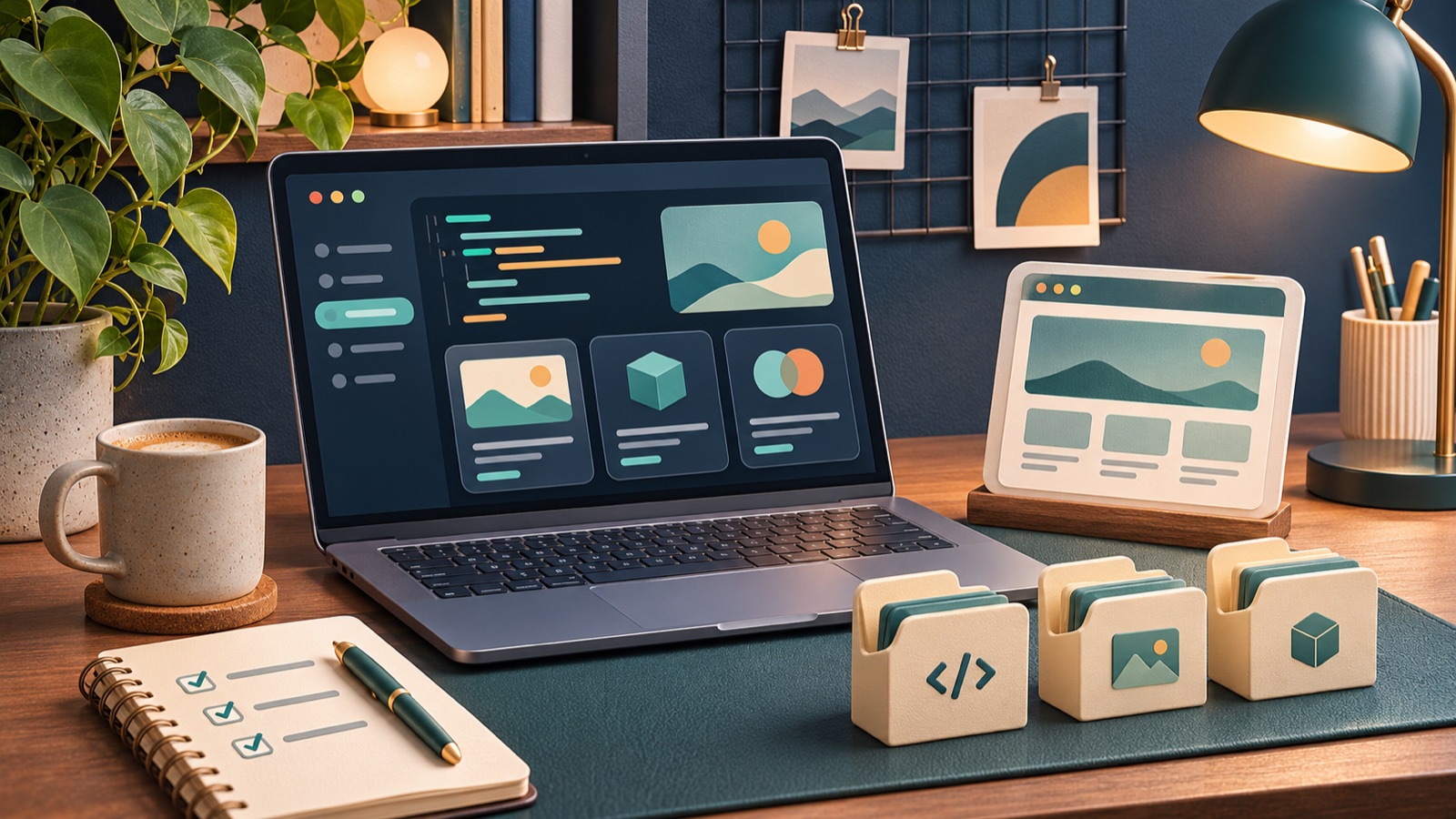

A beginner GitHub portfolio does not need dozens of projects. It needs a few pieces of work that someone else can understand: the problem, your contribution, how to run or inspect the result, and what you learned.
If you are learning tech in Nigeria and preparing for an internship or junior role, use your portfolio to make your progress visible. A clear, honest project explanation is more useful than a page full of tools you cannot yet discuss.
1. Choose a project you can explain
Start with a small problem close to your experience. A student might build a timetable page. An aspiring analyst might explore a public dataset. A frontend learner might create a sample product catalogue using fictional products. Choose something small enough to finish and review.
Write three sentences before building: who the project is for, what it helps them do, and what a working version must include. This keeps the project focused. A catalogue with working search and a clear layout is easier to assess than an unfinished attempt to recreate a large marketplace.
2. Give every project a useful README
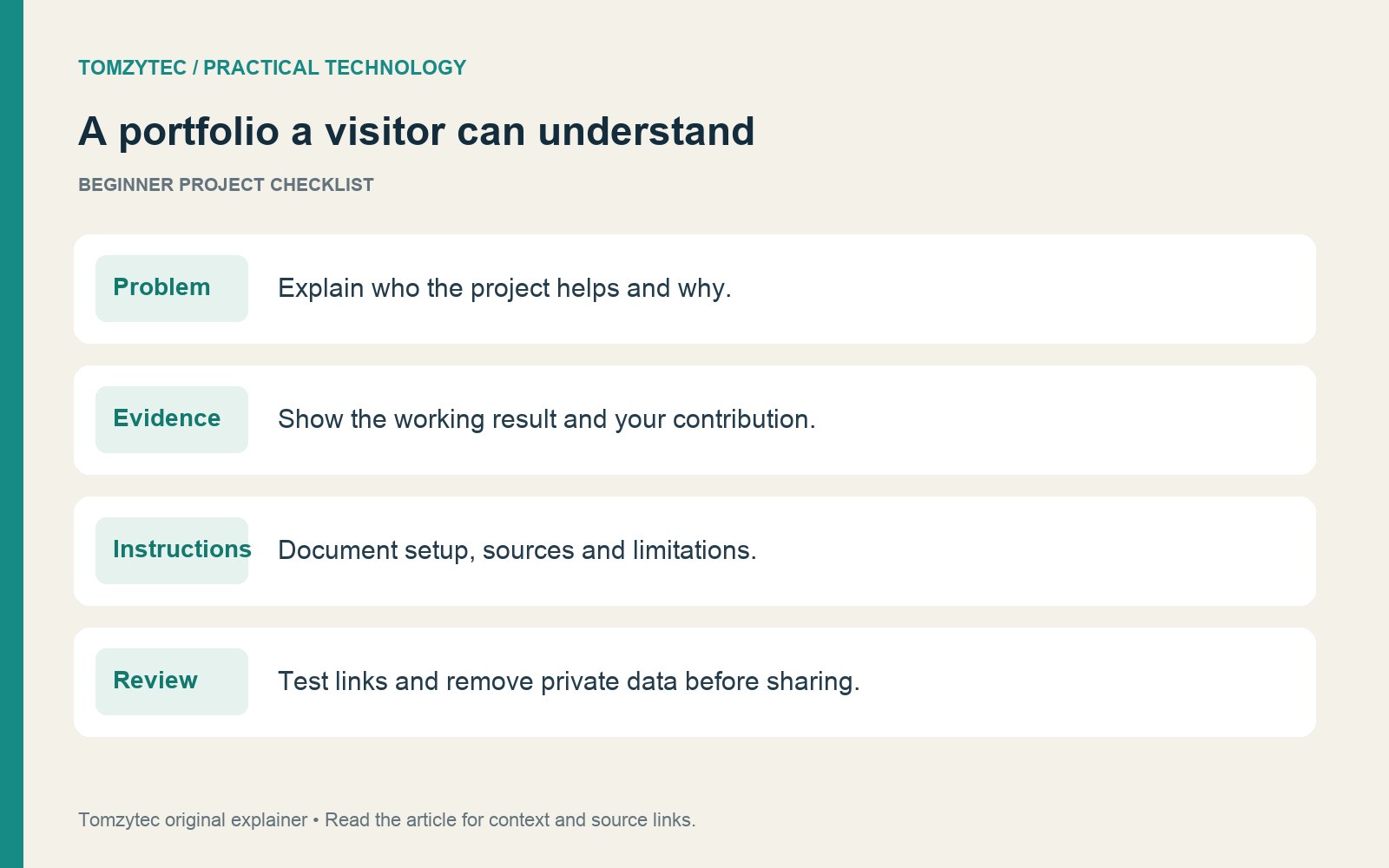
Treat the README as the introduction you would give a visitor who has never met you. Explain the problem, show the result, describe your contribution, and provide the steps needed to inspect or run it. Include requirements that are easy to overlook, such as a sample environment file without real credentials.
For a data project, name the dataset, explain its licence or permitted use, and describe important limitations. For a web project, include a screenshot and a live demo if you have one. Tell readers what is incomplete instead of letting a broken button make the explanation for you.
3. Create a short GitHub profile introduction
GitHub can display a profile README at the top of your profile. Its official setup guide explains the requirements: use a public repository matching your username, with a nonempty README.md file in its root. This feature is not available for managed user accounts.
Keep the introduction brief: what you are learning, the kinds of problems you enjoy and which projects a visitor should open first. Use a professional contact route that you are comfortable making public. Avoid adding private phone numbers, home addresses or identity documents.
GitHub’s profile documentation also explains pinned items. Use that space to highlight the work you want someone to assess, rather than making them search through every practice repository.
4. Explain tutorial and AI assistance honestly
Following a tutorial can be useful practice. If a portfolio project began with one, credit the source and describe what you changed. Did you add validation, improve keyboard access, fix an error or adapt the design for a different user? Explain those decisions clearly.
The same principle applies to AI assistance. Review the output, test the important behaviour, and understand the parts you present as your work. If you cannot explain how a feature works, make learning that feature your next task before using it as evidence of a skill.
5. Use a review checklist before sharing
Open the repository as a visitor would. Can you understand the project from the first screen? Do the links work? Can the instructions be followed from a fresh setup? Ask a classmate to try the steps and note where they get stuck.
Remove private data, passwords and real API keys before publishing a repository. Use fictional customer details in screenshots. If you accidentally expose a credential, deleting the visible text is not enough; revoke or rotate the credential through its provider.
A simple four-week portfolio plan
Week one: choose a small problem and define the working version. Week two: build the core features. Week three: test the project and fix unclear behaviour. Week four: write the README, add a screenshot, and ask another person to review the instructions. Adjust the pace to your available time.
If you want structured local learning alongside independent practice, explore our guide to tech training in Ilorin. Check current course details directly with each provider before enrolling.
Final thoughts
Your first portfolio is a starting point. Publish work you can explain, document its limits and improve it when feedback reveals a gap. A small, understandable project gives a reviewer something concrete to discuss with you; a long list of claimed skills does not.








2 Comments