

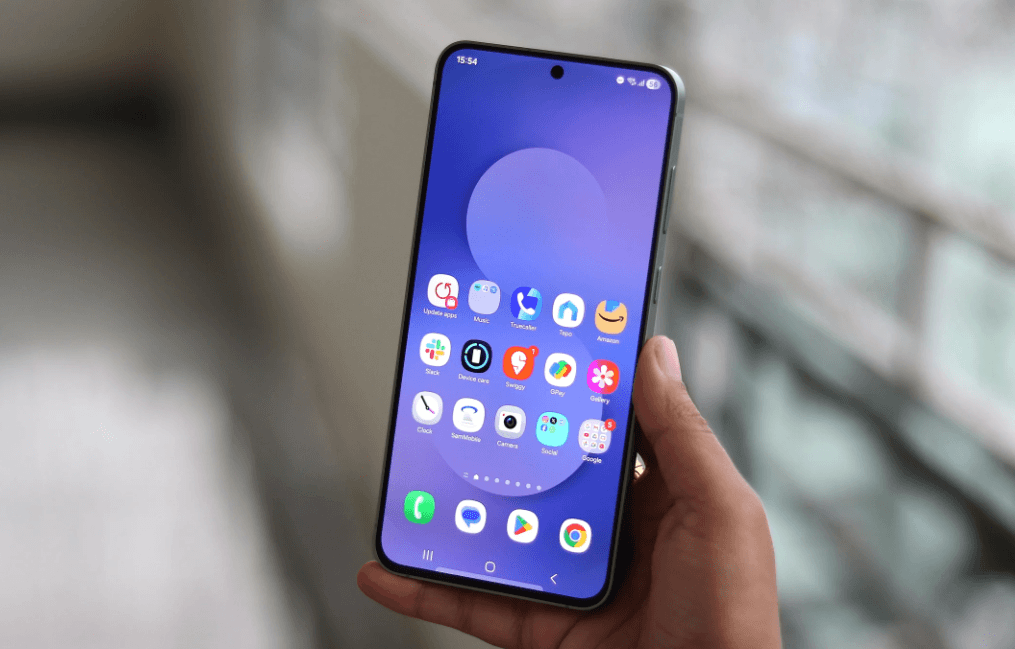

Samsung is giving Motion Photos a more interesting job in One UI 9.
Instead of keeping those short moving clips inside the Gallery, supported Galaxy phones can now use them as animated wallpapers on the home screen, lock screen, or both.
It is a small feature, but I think it is the kind of customisation that can make a Samsung phone feel more personal without needing to download another wallpaper app.
What is the new One UI 9 Motion Photo wallpaper feature?
If you use a recent Samsung Galaxy phone, you may already know about Motion Photos.
When Motion Photo is enabled in the camera, Samsung saves a short moving clip around the moment you take a picture. The feature was mainly useful for choosing the best moment from a moving scene.
With One UI 9, Samsung has found another use for those clips.
You can now take one of your Motion Photos and use it as a wallpaper. The phone can play the movement when the wallpaper is displayed, giving your home or lock screen a little more life than a normal still image.
Samsung’s official One UI 9 information also highlights several new customisation features, particularly around wallpapers and the FlexWindow on its latest foldable phones.
Which Samsung phones support Motion Photo wallpapers?
This is where things get a little interesting.
The feature is currently confirmed on Samsung’s newest foldables:
- Galaxy Z Flip8
- Galaxy Z Fold8
- Galaxy Z Fold8 Ultra
These phones launched with stable One UI 9, which is based on Android 17. Samsung began rolling out the new Galaxy Z series globally from August 7, 2026.
However, having One UI 9 does not necessarily mean every Galaxy phone can use Motion Photos as wallpapers right now.
Reports have found that the option is not currently showing up on Galaxy S26 devices running the One UI 9 beta. That means Samsung may still be limiting the feature to certain devices or preparing it for a later software release.
So if you have a Galaxy S26 and cannot find the option, your phone is not necessarily missing anything. The feature simply does not appear to be available there yet.
How the animated wallpaper works
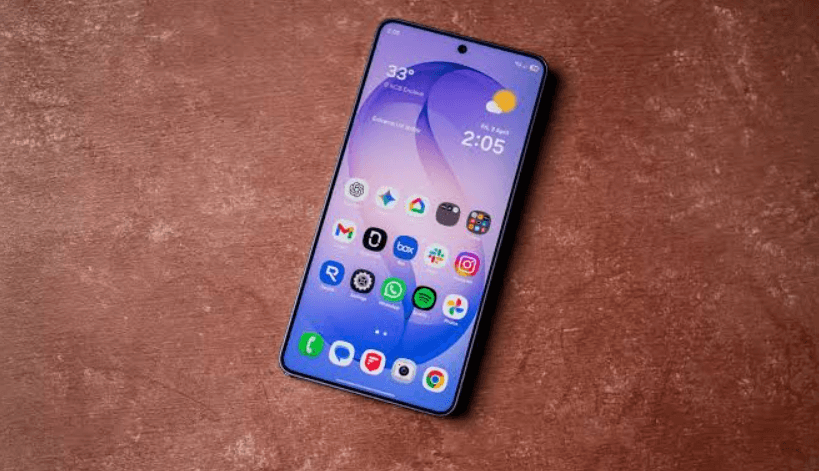
Samsung has kept the process fairly simple.
A Motion Photo saved in the Gallery can be selected when choosing a wallpaper. You can then preview how it will look before applying it.
The animation can be used on:
- The lock screen
- The home screen
- Both screens
There is also an option to turn the Motion Photo animation on or off. So you are not permanently stuck with the moving version after choosing the picture.
That is actually a nice touch because some photos will probably look better as normal wallpapers.
This could be useful for creators
This is the part I find more interesting.
For the average person, the feature is mainly about making a phone look cooler. But if you create content, run a small business, or build a personal brand, Motion Photos can give you another way to personalise your device.
For example, you could use a Motion Photo from a product shoot as your wallpaper.
A fashion creator could use a short clip from a photoshoot. A travel creator could use a moving shot from a trip. A business owner could even use a simple branded image with subtle movement.
It is not going to replace a proper video or animated graphic, of course. But it gives Samsung users another small creative tool without requiring additional software.
You do not need a special wallpaper
Another thing I like about this feature is that it makes use of something you may already have.
You do not have to search for a special animated wallpaper file. If you already have Motion Photos in your Samsung Gallery, some of those images can potentially become wallpapers.
That could make old photos useful again.
Imagine having a photo of a birthday, holiday, pet, event or memorable day that contains a few seconds of movement. Instead of leaving it buried in your Gallery, you can turn it into something you see every time you unlock your phone.
One UI 9 is doing more with wallpapers
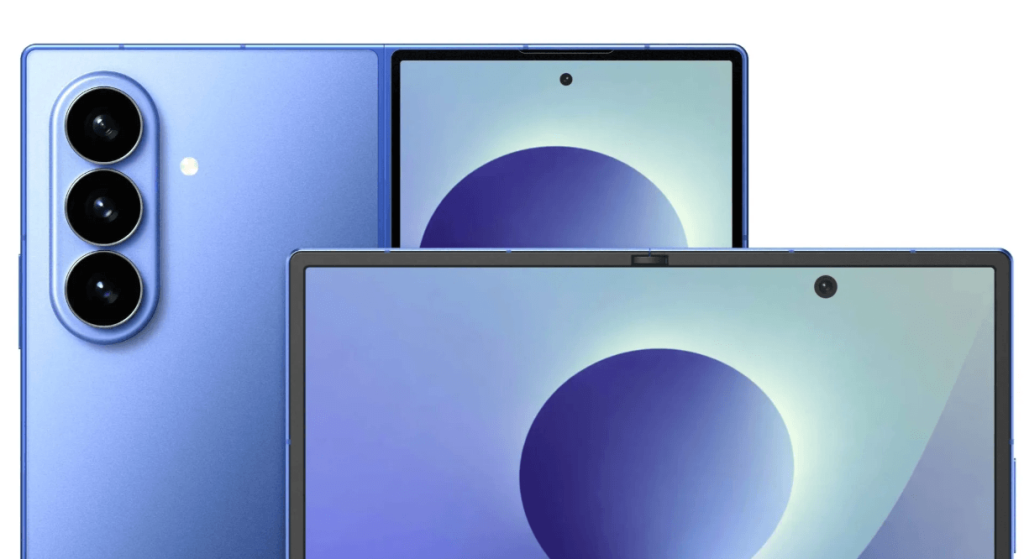
Motion Photo wallpapers are only one part of Samsung’s wider customisation push with One UI 9.
Samsung has also introduced improved wallpaper positioning on its newer foldables. For example, the software can automatically position a cover-screen wallpaper so important parts of the image do not get hidden behind the clock and widgets.
On the Galaxy Z Flip8, Samsung has also expanded what users can do with the FlexWindow, including more control over apps, widgets and the Quick Panel directly from the cover screen.
This tells me Samsung is paying more attention to the small details of personalisation rather than only adding big headline features.
What Samsung Galaxy users should do now?
If you own a Galaxy Z Flip8, Z Fold8 or Z Fold8 Ultra, this is one of those One UI 9 features worth checking out.
Open your Gallery, find a photo that was captured as a Motion Photo, and check the wallpaper options. If your device supports the feature, you should be able to preview the moving wallpaper before applying it.
If you have a Galaxy S26 running the One UI 9 beta and cannot find the option, I would not worry about it yet.
Samsung has not confirmed that Motion Photo wallpapers will definitely arrive on every One UI 9 device. Current availability is limited, and the feature may change as Samsung continues rolling out stable software.
My take
I would not call Motion Photo wallpapers a reason to buy a new Samsung phone.
But I like what Samsung is doing here.
Instead of creating another complicated feature that most people will forget exists, Samsung is taking an older camera feature and finding a new use for it.
That is the kind of software improvement I like because it can make a phone feel newer without changing the hardware.
For now, the Galaxy Z Flip8, Z Fold8 and Z Fold8 Ultra are the confirmed devices to look at if you want to try it. For Galaxy S26 owners, we will have to wait and see whether Samsung brings the feature to the stable One UI 9 release.
And honestly, if Samsung eventually makes this available across more Galaxy phones, I can see people having some fun with it.
What do you think about Motion Photo wallpapers? Would you use one on your Samsung Galaxy phone, or do you prefer a simple static wallpaper?



Leave a comment