
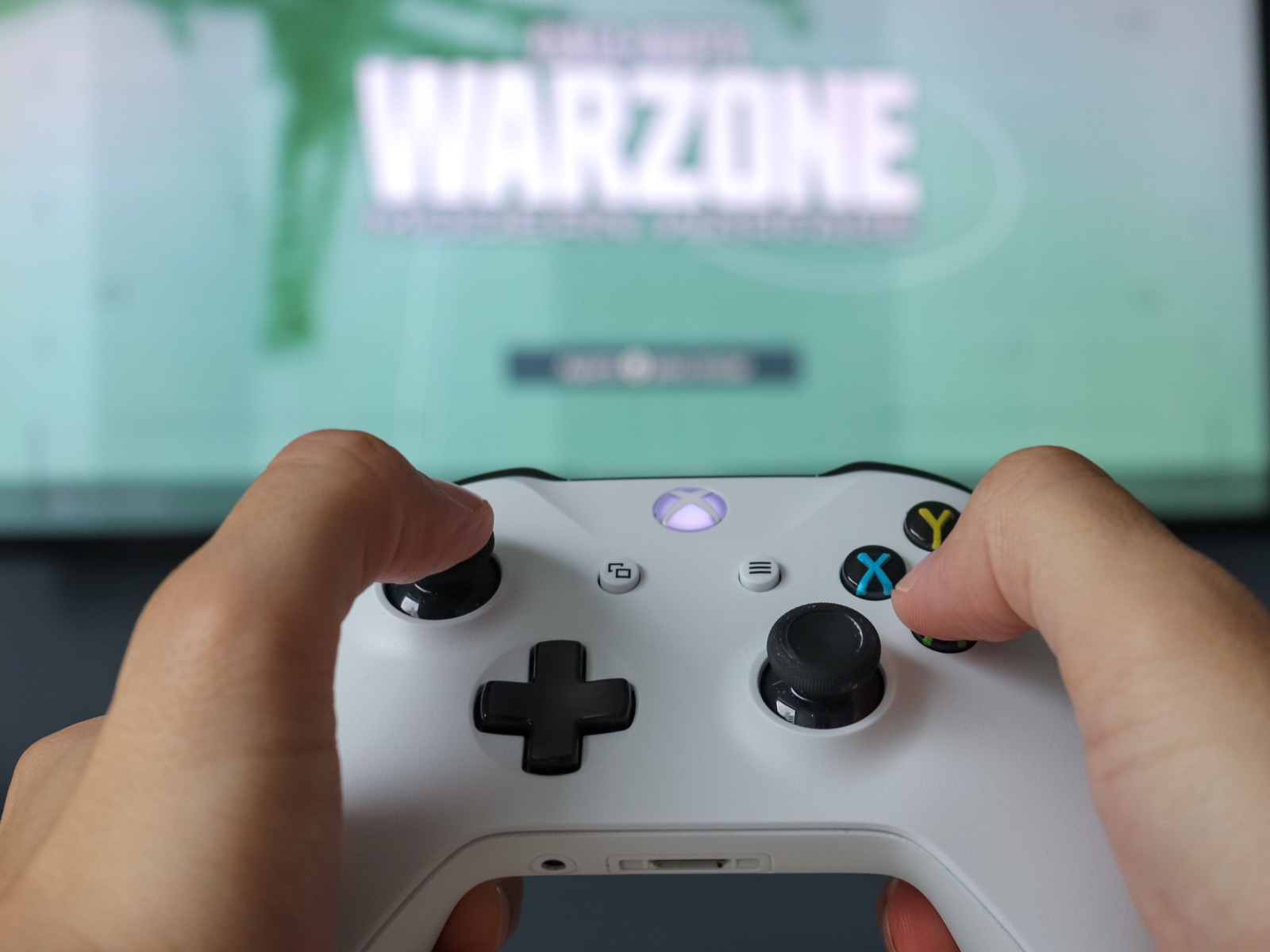

Xbox Playback is here, bringing a personalised look at the games and milestones attached to your Xbox history. The feature launched on 12 November 2026 as part of Xbox’s 25th anniversary celebrations.
For Nigerian gamers, there is an important catch before the excitement: Nigeria is not among the 15 countries named in the launch announcement. South Africa is on that list.
Here are five things to understand about the recap, how eligible players can find it and why a missing result is not automatically a problem with your console.
Table of Contents
1. Xbox Playback is a look back at your account history
According to the official Xbox Wire announcement, the recap brings together available gaming history across Xbox generations. It can show milestones such as your first game, time played, most-played title and longest streak.
Think of Xbox Playback as a personal retrospective rather than a new game or a hardware upgrade. The point is to revisit the games that shaped your account’s story, whether that began years ago or much more recently.
That is a fun idea because our memories of gaming are rarely organised like a spreadsheet. You might remember a favourite multiplayer night more clearly than the total hours spent on a title. A recap gives you another way to revisit those moments.
Your Xbox Playback numbers can also start a conversation with friends. Your most-played game may be the obvious favourite, or it may simply be the one your group kept returning to. Either way, the meaning comes from your own experience rather than a ranking of who is the better player.
2. Nigeria is not on the announced Xbox Playback country list
The launch notice names Argentina, Australia, Brazil, Canada, Colombia, France, Germany, Hungary, Italy, Mexico, Poland, South Africa, Spain, the UK and the US. It states availability through 31 December 2026.
That means this announcement does not establish official availability in Nigeria. Do not read “available now” in an international headline as a promise that every Nigerian account will have access.
It is worth checking that detail before spending time troubleshooting. If a feature is offered only in selected countries, restarting the console repeatedly does not change the announced eligibility.
Avoid paying somebody who promises to unlock the recap for you. An Xbox Playback summary is not a good reason to hand over your Microsoft account or alter account information on the advice of a stranger.
We will need a further official announcement before describing Nigeria as a supported market. A screenshot from another country or an individual report of access is not the same thing as an expansion of the published country list.
3. Eligible players can look on console or the web
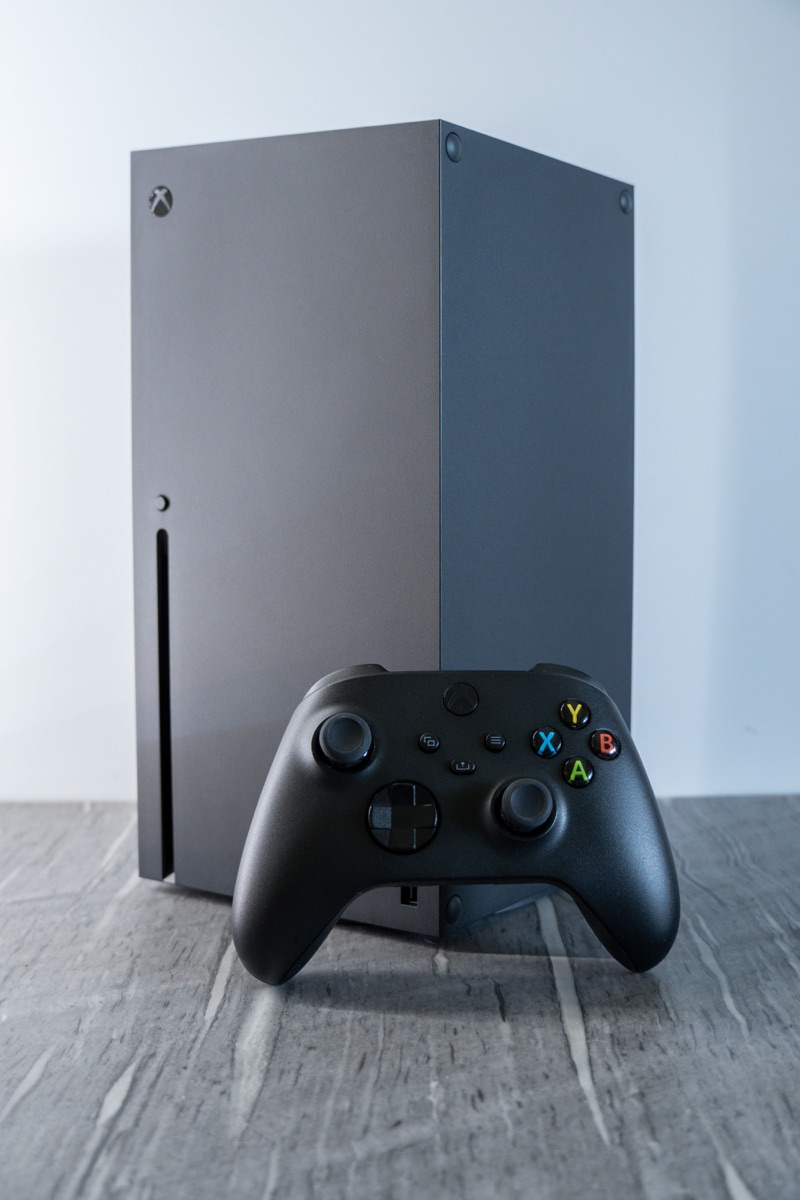
Xbox says eligible players can find the recap on their console dashboard or open the web experience using the link in its announcement. The website also offers a Playback Archive for a deeper look at available milestones.
Use the official link rather than a lookalike page shared in a comment. Check that you are signing in through the normal Microsoft account flow, and never send a verification code to a person offering to retrieve your recap.
On a shared console or computer, confirm that you are using your own account. A household can have several profiles, and a recap associated with one person should not be interpreted as the combined history of everybody who played there.
If you no longer control the account, use Microsoft’s official account recovery route. The launch is not a reason to bypass ordinary sign-in safeguards or give another person access to your email.
There is also no reason to buy new hardware just to chase a personal recap. The announcement describes an account-based experience with console and web entry points, subject to the stated access conditions.
4. Your recap may not be a complete record
Xbox Playback uses available account data, and Xbox warns that some history can be incomplete or delayed. The announcement also sets minimum activity requirements, including a Gamerscore, an achievement and qualifying gameplay.
That makes the recap a useful snapshot rather than a perfect audit of every session you remember. Missing activity should not immediately be treated as proof that a game has disappeared from your purchases or that your account has been damaged.
Consider whether you used another profile during an earlier period. A game you remember from a friend’s console may not belong to the same account history as the one you are checking now.
If a number surprises you, separate the entertainment value of the recap from practical questions about ownership, billing or account access. Those issues need their own account records and support checks.
The company said the launch would roll out gradually on announcement day. That explains why some eligible users might not have seen the feature immediately at launch, but it is not a promise that an unsupported country will be added later.
5. Check the share card before posting it
After viewing Xbox Playback, eligible players can create a personalised share card using the console video’s QR code or the web sharing option. You can enjoy the recap without publishing it publicly.
Before sharing Xbox Playback, look carefully at the card and any screenshot around it. Crop out unrelated account details, browser tabs, email addresses and notifications that you did not intend to include.
A gamertag may already be public, but you still get to decide where to connect it with your real name or personal social profile. This matters if you keep work, school and gaming identities separate.
If you share a family member’s results, ask first. Their gaming habits and profile belong to them, even when everybody uses the same console at home.
A recap can be a good excuse to revisit a game you enjoyed rather than buy something new. Check what you already own and what is still installed before making a fresh purchase based on anniversary excitement.
For readers who are also shopping for everyday devices, our used iPhone buying checklist takes the same practical approach: check what you can actually use before paying. Our guide to reducing Android mobile data use can also help when you are browsing game updates on a limited bundle.
The useful question is whether the feature adds enjoyment to the games you already play. A recap is optional, and a region limitation should not push you into buying an account, sharing a password or paying for an unnecessary service.
Final Thoughts
I think Xbox Playback works best as a reminder of the moments behind a gaming account, rather than a competition over hours played. The nostalgia is the appeal.
For Nigerian readers, the key limitation remains the published country list. Enjoy the announcement, use the official information and wait for confirmed local support before assuming the feature is available to everyone here.






Leave a comment