

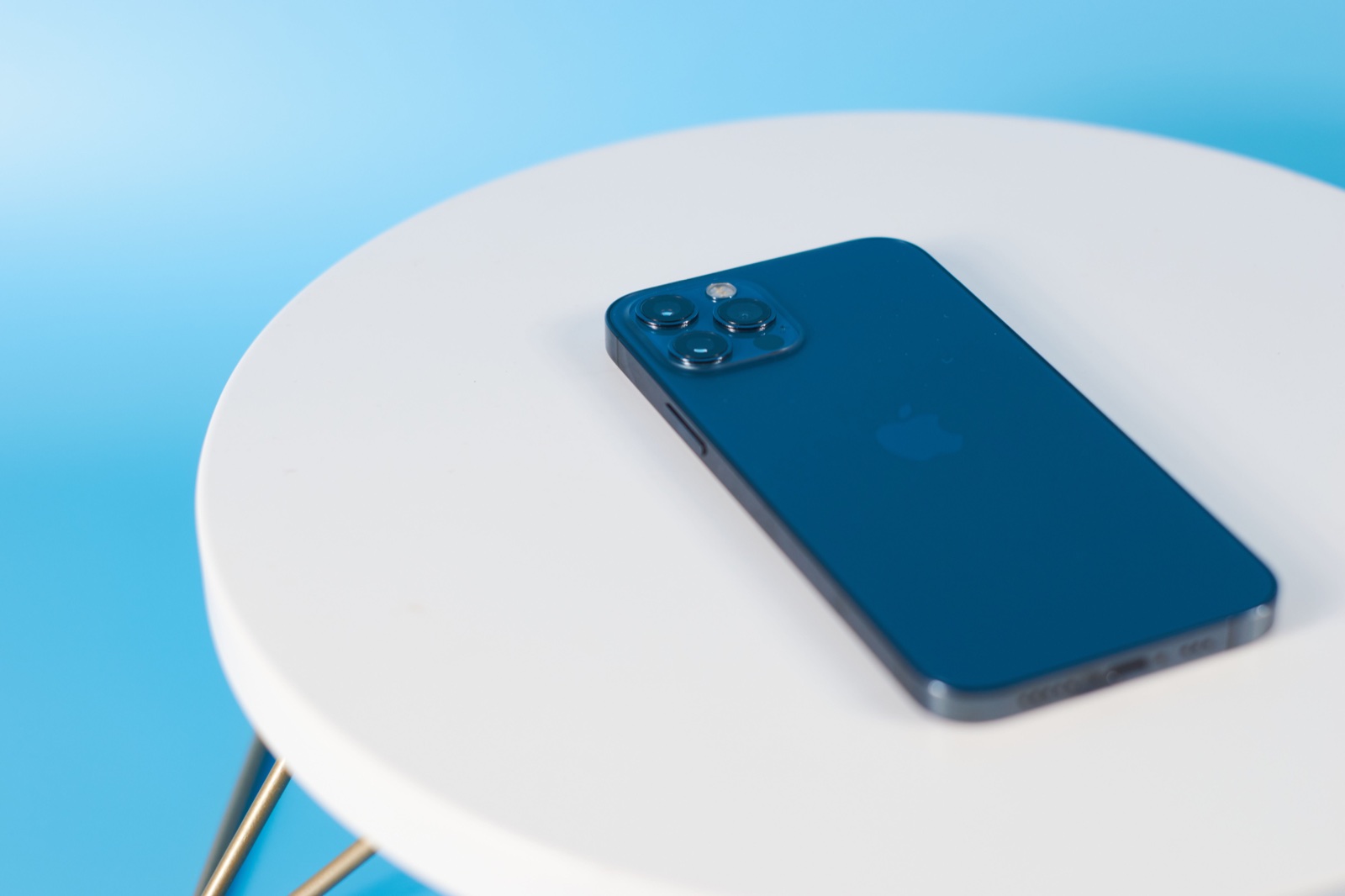

Buying a used iPhone in Nigeria can save you money, but a neat body and a convincing sales pitch are not enough. The real question is whether that particular phone will work properly after you leave the shop.
You do not need to become a phone engineer to make a better decision. You need a patient seller, time to inspect the device and a few checks you refuse to skip.
TL;DR: Confirm activation, test your network, inspect battery health and repair history, then check the hardware and return terms before paying. A lower price should never replace a proper inspection.
Table of Contents
1. Set a budget for the whole phone, not just the price
A used iPhone can look affordable until you add a battery replacement, charging accessories and a repair the seller forgot to mention. Start with the total amount you can comfortably spend, then leave room for those extras.
Before choosing a model, write down what matters to you: dependable calls, enough storage, clear videos, banking apps or a battery that suits your day. A more expensive Pro model is not automatically the better purchase if its condition is poor.
Compare phones with the same model, storage and condition. A 128GB listing and a 256GB listing are different offers. Ask whether the quoted amount includes a charger, delivery and any shop warranty, and get the answers in writing.
There is no single reliable nationwide price for every grade of second-hand phone. Treat a price far below comparable offers as a reason to inspect more carefully, rather than a reason to rush.
2. Ask what “UK used” and “refurbished” actually mean
Those labels tell you very little on their own. Ask where the phone came from, who checked it, which parts have been replaced and what happens if a fault appears after you take it home.
A seller calling a used iPhone “refurbished” should be able to explain the work done. Cleaning a handset and putting it in a box is different from replacing a worn battery and testing the hardware. Ask for the inspection details rather than relying on the label.
For an online purchase, request current photos of the actual used iPhone, not just promotional pictures. Confirm the return window, which faults qualify for a return, who pays delivery and whether the remedy is a refund, repair or exchange.
Keep the listing, written promises and receipt. A friendly conversation is helpful, but a clear record of the deal is much more useful if the condition turns out to be different.
3. Make Activation Lock a deal-breaker
This is the most important used iPhone check. A handset can look clean, switch on and still remain linked to somebody else’s Apple Account. Apple advises buyers not to buy an Activation Locked iPhone.
If you see “iPhone Locked to Owner”, the seller needs to resolve it before the sale. Do not pay on a promise that an unlock will happen later. A normal screen passcode and Activation Lock are different things; knowing the passcode does not establish that the account lock has been removed.
Ask the owner to prepare and erase the device properly, then complete enough of the setup process to confirm it activates. The Hello screen alone is not the finish line. If setup asks for the previous owner’s account, stop the purchase.
Let the seller enter their own credentials privately. You do not need their password, and they do not need yours. If they cannot complete the handover, choose another phone.
4. Test your Nigerian network on that exact handset
A used iPhone that works on a shop’s Wi-Fi still needs to work with your mobile line. In Settings, open General, then About, and look for Network Provider Lock or Carrier Lock. “No SIM restrictions” indicates an unlocked phone.
Check the physical device as well as its model name. Imported variants can differ, so confirm whether this particular handset takes a physical SIM, uses eSIM, or supports the arrangement you need. If you use eSIM, check activation support with your provider before paying.
Where practical, test your own line: make a call, receive one, send a message and load a webpage on mobile data with Wi-Fi switched off. Then reconnect to Wi-Fi and test that too. A signal icon alone does not prove every service is working.
Ask the seller to explain any network restriction. Do not assume a software update or a new SIM will remove a carrier lock. Avoid a purchase that depends on an unexplained workaround.
5. Read battery health alongside real behaviour
Open Settings and check the Battery section for battery health information. The exact menu can vary with the model and iOS version. Look at maximum capacity and any service or battery messages, not just the percentage shown in the status bar.
Battery charge and battery health are different. A phone charged to 100% can still have an ageing battery. Equally, a healthy-looking capacity figure is not a promise that it will last through your particular working day.
Spend time using the camera, playing a short video and moving between apps. Watch for unexpected shutdowns, charging interruptions or an unusually fast drop in charge. A quick shop test cannot predict long-term endurance, but it can reveal obvious problems.
If your used iPhone needs a replacement, get a quote from a competent repair provider before agreeing on a price. A cheaper used iPhone may stop being a bargain once the work it needs is included.
6. Check the used iPhone repair history in Settings
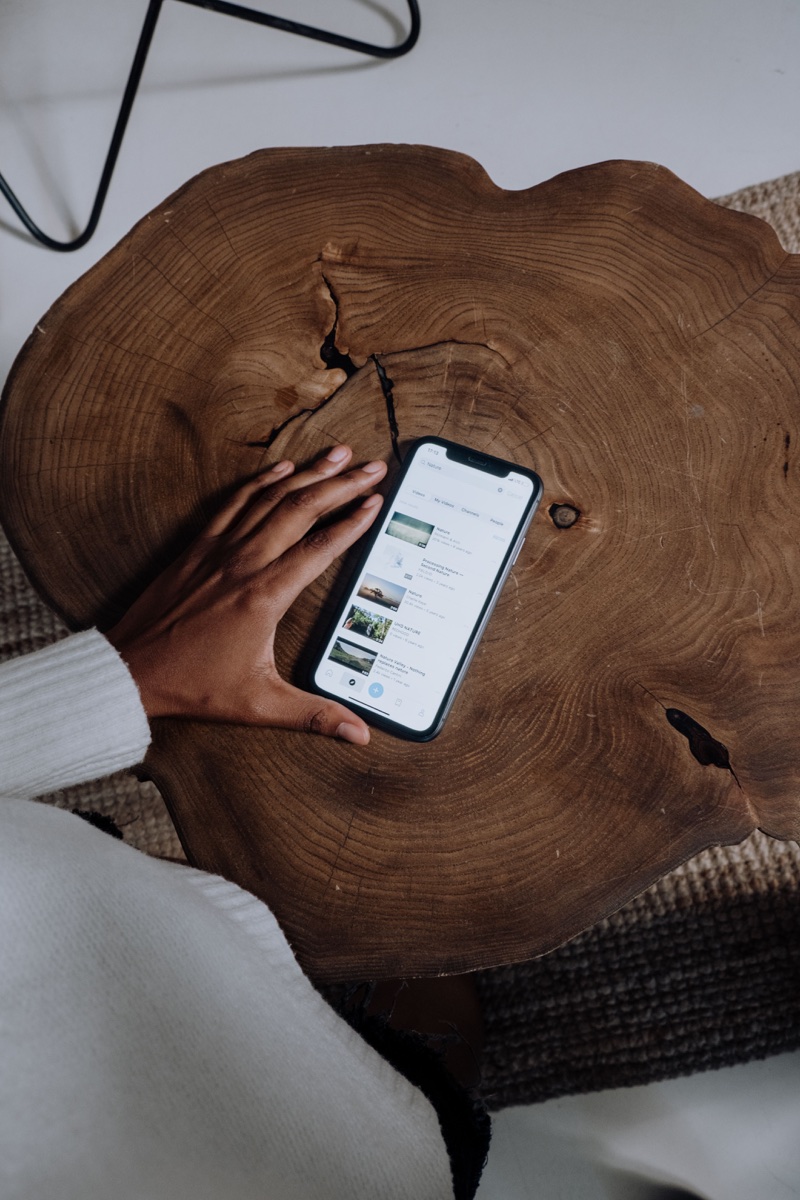
Go to Settings, General, About and look for Parts and Service History. Apple says the information available depends on the iPhone model, iOS version and repair history. Do not expect every model to show every component.
A Genuine label means the repair used genuine Apple parts and processes. Used means the component was previously installed in another iPhone. Unknown can have several explanations, including a non-genuine, unverified or malfunctioning part; it is not a complete diagnosis by itself.
Ask the seller about any entry that appears and request repair paperwork where available. If you see Finish Repair, ask why the process has not been completed and have the phone checked before deciding.
The absence of a history section is not proof that a used iPhone has never been opened. Apple also notes that, when a part has been serviced more than once, only the most recent service appears. Use the screen as one piece of evidence, alongside inspection and testing.
7. Test the screen, cameras, sound and charging
Take the case off and inspect the corners, back, camera lenses and charging port in good light. Look for cracks, dents and gaps. Cosmetic marks may be acceptable at the right price, but damage around a port or camera deserves a closer look.
Type a short note and use different areas of the keyboard to check touch response. Adjust brightness, look at a plain screen for obvious discolouration and test the buttons. Test Face ID or Touch ID where the model supports it; do not accept a broken biometric system as an invisible detail.
Take photos with the front and rear cameras, try the available lenses and record a short video. Check focus and playback. Record a voice memo, listen to it, and make a call to check both what you hear and what the other person hears.
Connect a suitable charger and confirm charging is stable. If the phone will not turn on or will not charge, do not buy it on the assumption that the problem is small.
8. Confirm storage and software before moving your life over
Open Settings, General, About and confirm the model and capacity match the listing. Then check available space in iPhone Storage. Your photos, messaging attachments and offline videos will need room beyond the apps already installed.
Think about how you will move your existing data. A handset with just enough capacity today can become frustrating after months of photos and app updates. Choose storage around your actual habits rather than a seller’s suggestion that you can “manage it”.
Check software compatibility for the model you are considering and the apps you depend on. Do not assume all older iPhones receive the same updates indefinitely. Look up the current requirements of essential work or banking apps before committing.
If you are moving from Android, prepare your backup before handing over your old phone. Our guide to backing up an Android phone is a useful starting point for protecting what you already have.
9. Finish the handover before you pay
Run through the agreed checks on the actual used iPhone you will receive. Confirm activation, network access, battery information, hardware condition and the seller’s return terms. If the seller swaps the device, repeat the checks.
Get a receipt that identifies the used iPhone and records the agreed condition and warranty terms. Keep device identifiers private rather than posting them publicly while asking people to verify your purchase.
Take your time at this point. A seller who allows inspection makes it easier to decide; pressure to skip activation or pay before testing should make you pause. You can walk away from a deal that leaves the important questions unanswered.
After taking ownership, set your own strong passcode, configure your Apple Account and recovery options, and review privacy settings. If you use Google services too, our Google Account security guide covers another important part of protecting your digital life.
Final Thoughts
I think the best used iPhone is the one whose condition you understand before you pay. A slightly older handset with working essentials and clear return terms can be a more sensible choice than a newer model with unanswered questions.
Start with the checks above, ask for evidence and leave room in your budget for genuine maintenance. If activation or network access is uncertain, keep looking. Those are basic requirements for a phone you plan to rely on.
For the manufacturer’s guidance behind the technical checks, see Apple’s pre-owned iPhone inspection advice and Parts and Service History explanations.





Leave a comment